
Understanding voice acoustics through interactive manipulation: A learning app for vocal exploration
LAVE lets people with no background in music or acoustics record their own voice and see it, not just hear it — exploring pitch and harmonics through real-time interactive visualizations, right in the browser.
Initial situation
Concepts like pitch, harmonics, resonance and breathiness are usually taught through static diagrams and abstract explanations. For someone without a musical or technical background, this makes voice acoustics hard to grasp. At the same time, modern browsers are now capable of recording, analysing and processing audio signals in real time, using the Web Audio API and Web Workers, without any server-side processing or specialized desktop software.
Problem statement / Project goal
The goal of this project was to design and build LAVE (Learning App for Vocal Exploration), a browser-based application that turns voice acoustics into something learners can experiment with directly. Instead of explaining pitch and overtones theoretically, LAVE lets users record their own voice and immediately manipulate and observe these properties through interactive visualizations. The central challenge was twofold: making non-trivial digital signal processing run entirely client-side, and designing an interface that stays approachable for users with no prior background in music or acoustics.
Solution developed and its benefits
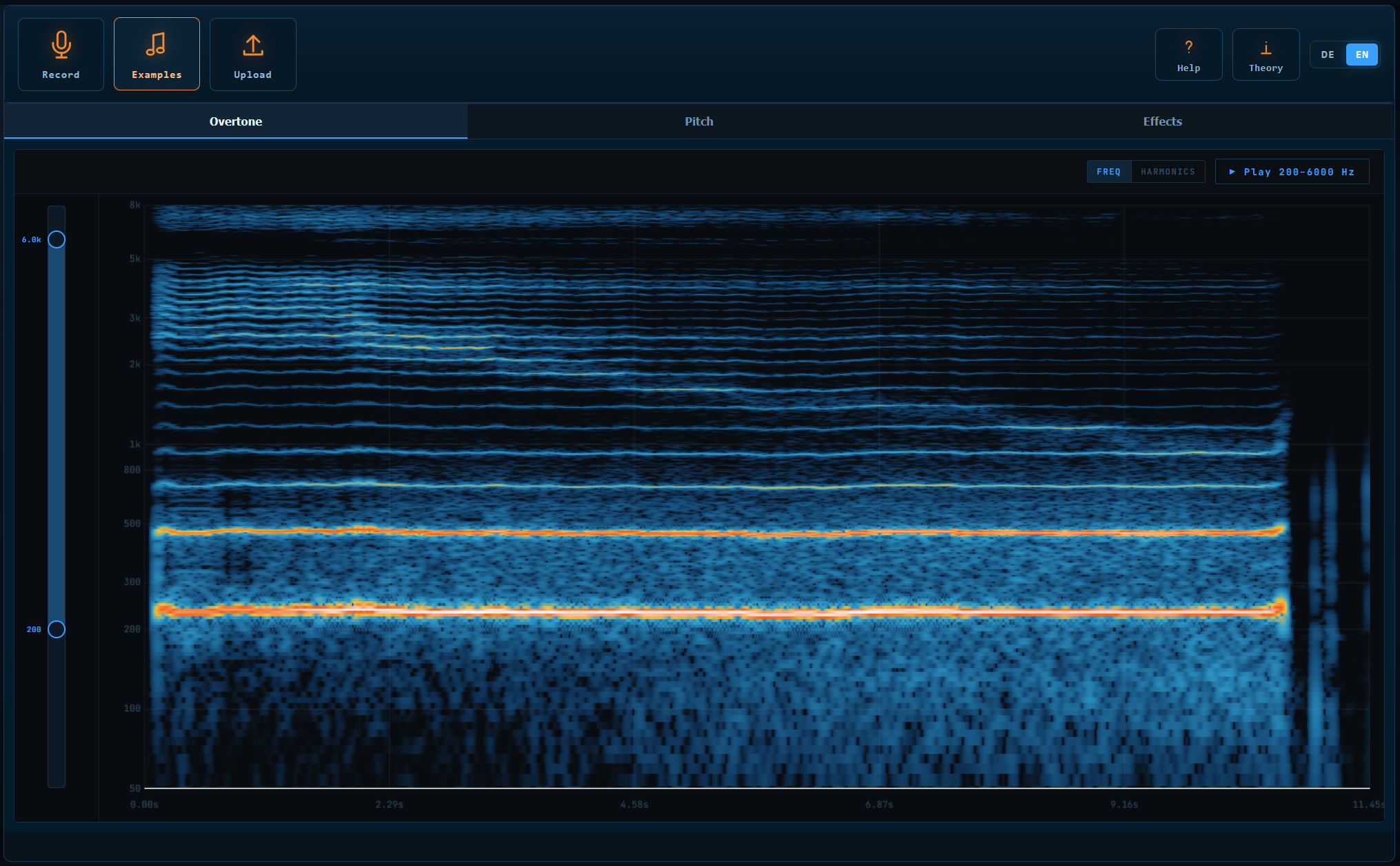
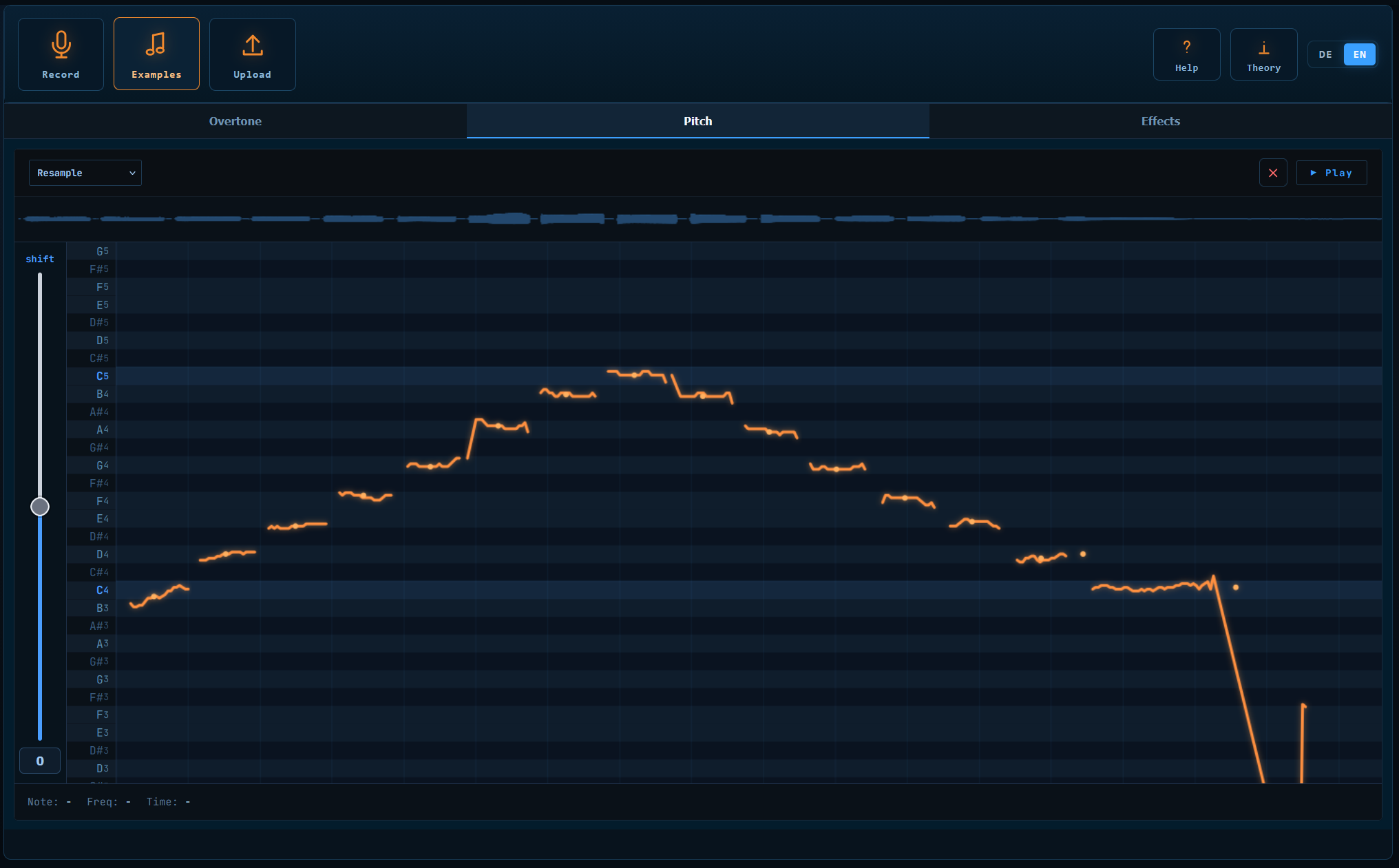
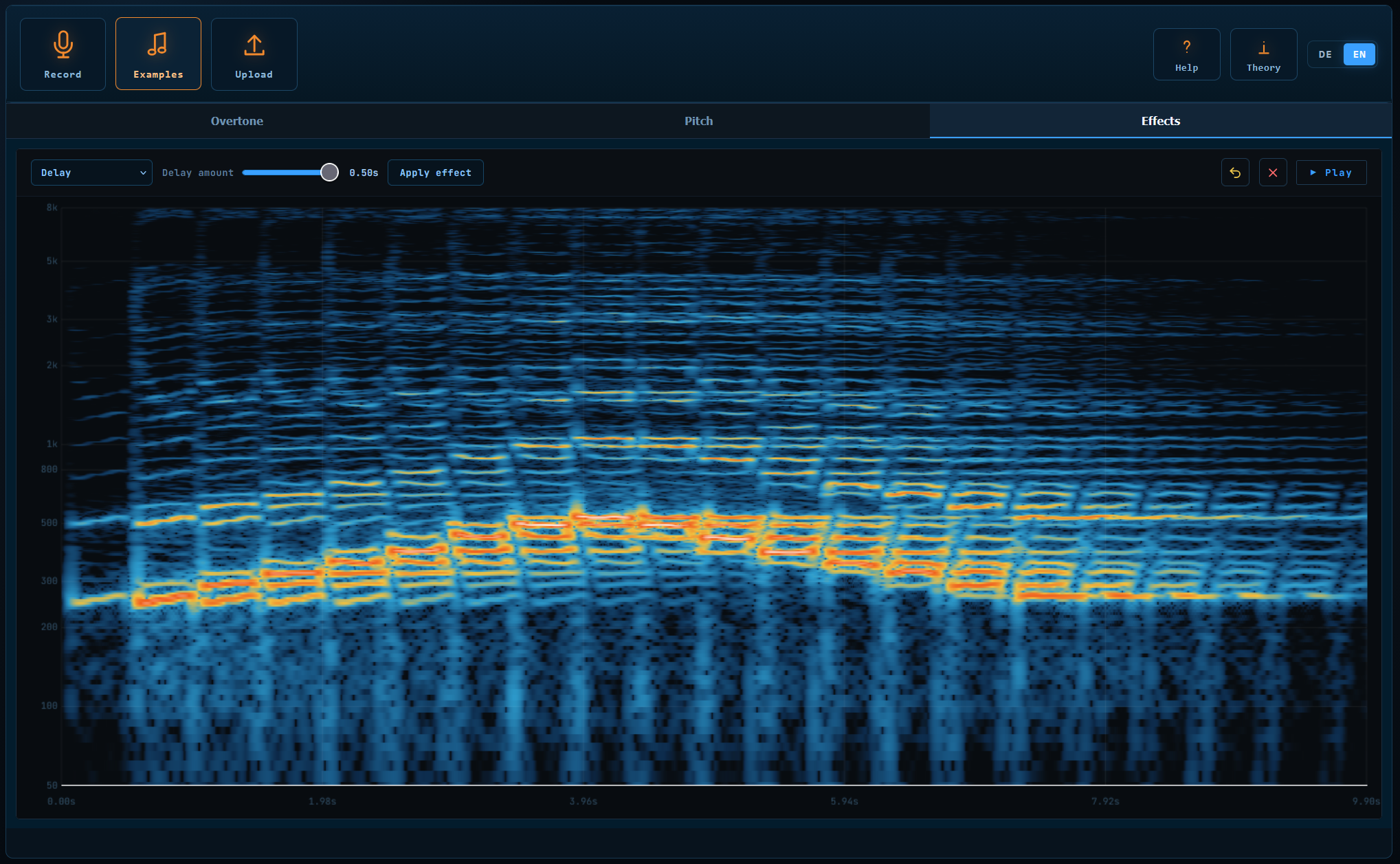
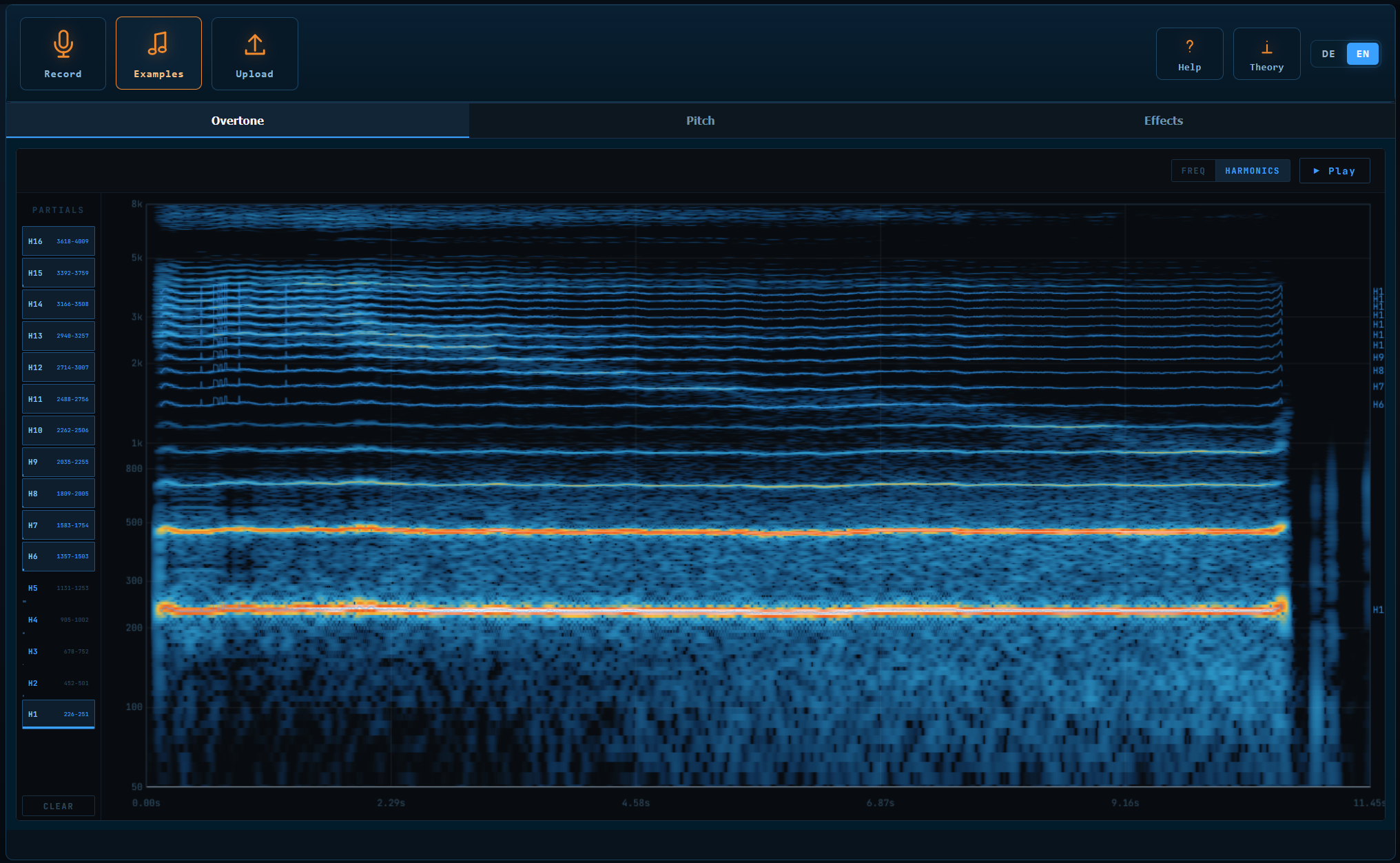
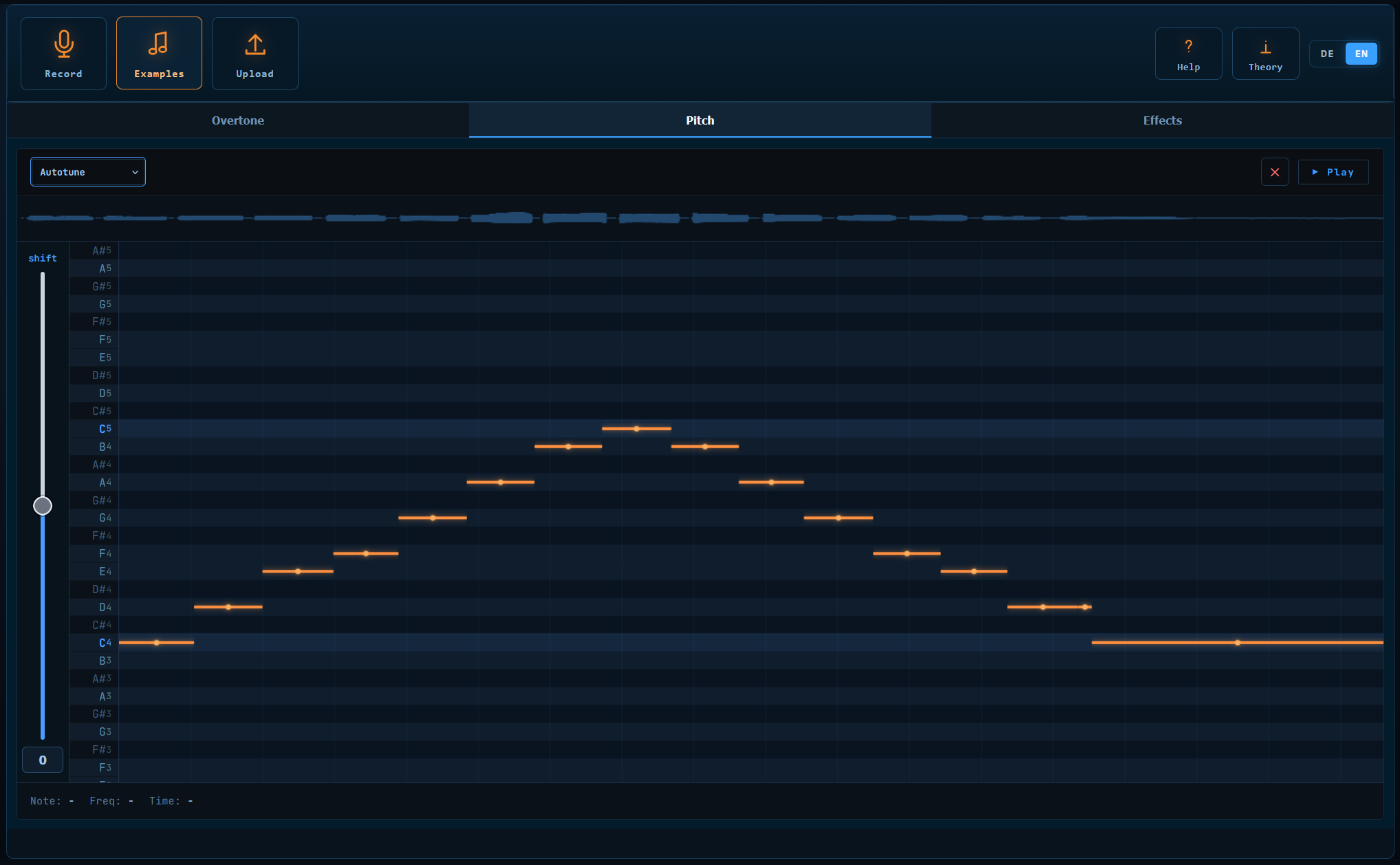
LAVE was built around three connected exploration tools that all share the same recording: an Overtone Explorer for spectral and harmonic content, a Pitch Explorer for viewing and editing pitch, and an Effects view for applying audio transformations. Each combines an interactive visualization with pure, testable signal-processing logic that runs off the main thread in Web Workers, keeping the interface responsive during analysis.
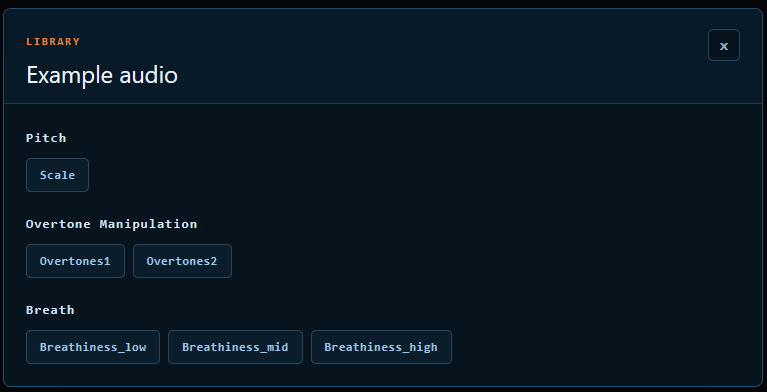
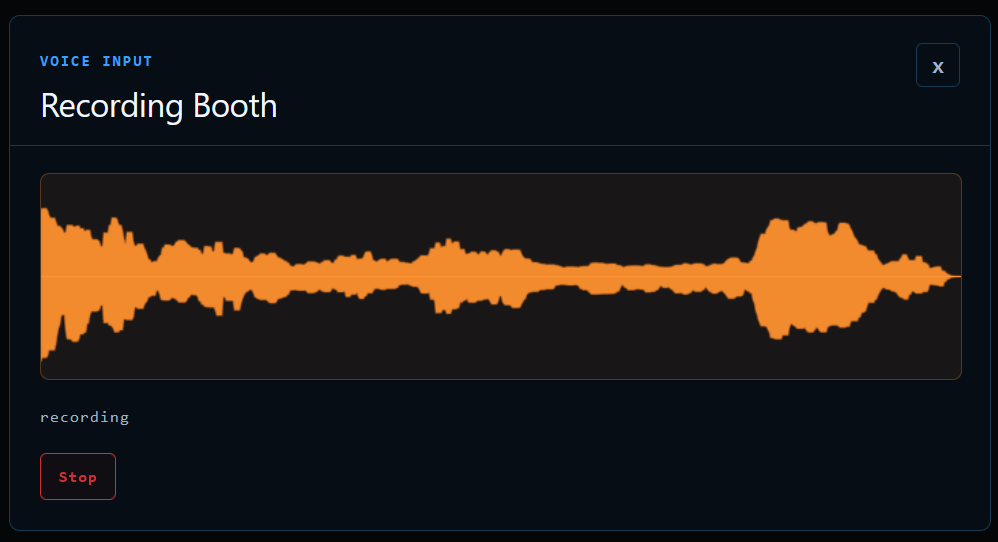
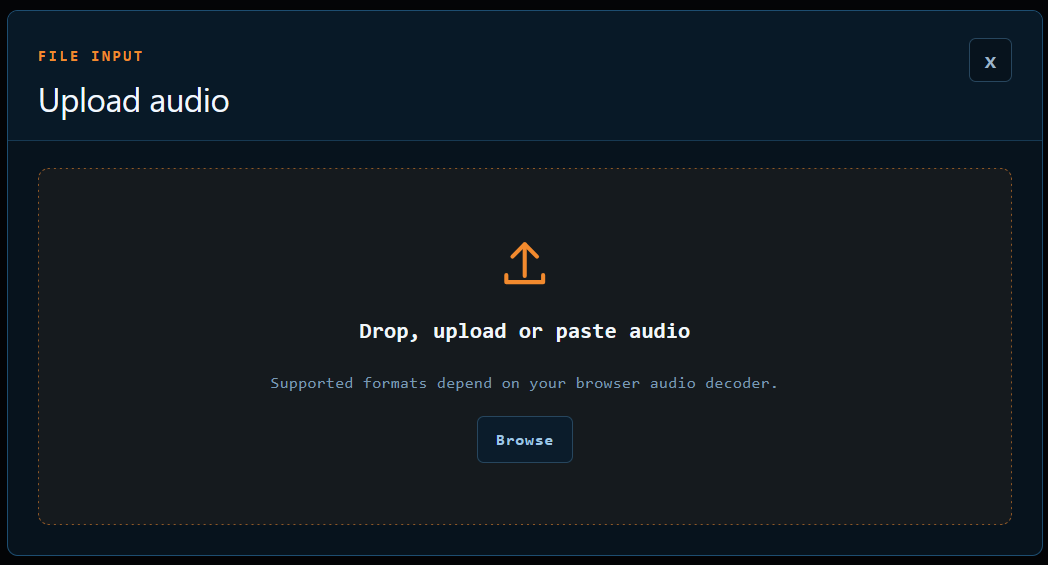
- record voice directly in the browser, or load sample and uploaded recordings
- explore harmonic content and breathiness through a real-time interactive spectrogram
- view and edit pitch on a piano-roll-style contour, with three pitch-shifting modes
- apply and stack audio effects with full undo history
- guided, in-app tutorials and theory explanations for first-time users
Key terms
- Keywordsinteractive learning, educational technology, voice visualization, usability, user-centered design
- Voice AcousticsPitch, Overtones, Fundamental Frequency, Harmonics, Formants
- Technology StackReact, TypeScript
- AlgorithmsHarmonic Product Spectrum, Goertzel, YIN, TD-PSOLA
Team
Sven Christen
Daniel Zimmerli
Advisor
Kevin Kim